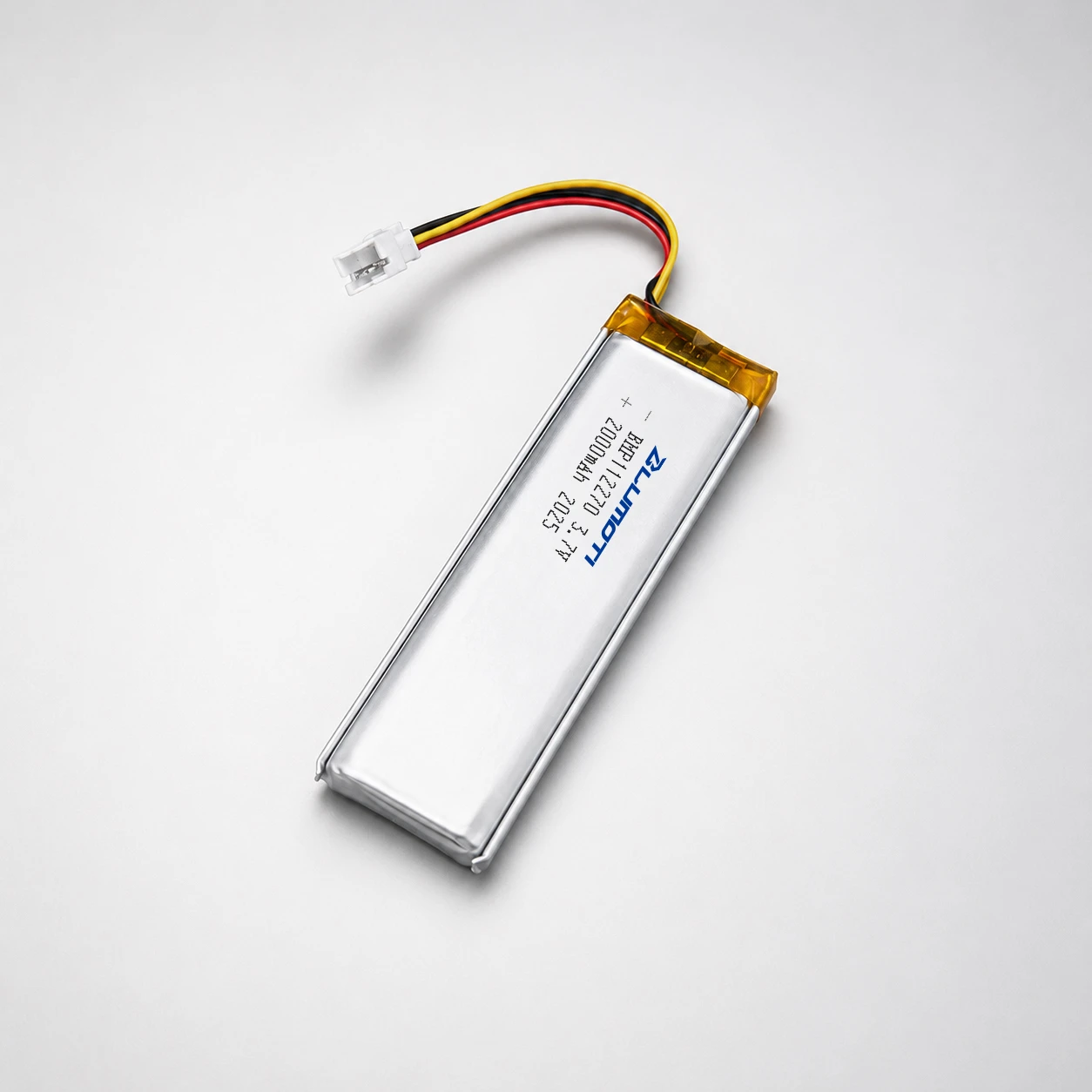


Hey there! As a supplier of small rechargeable battery packs, I've seen my fair share of issues with these little powerhouses not charging. It can be super frustrating, especially when you're counting on your battery to keep your devices running. But don't worry, I'm here to walk you through some common troubleshooting steps to get your battery back in action.


Check the Basics
First things first, let's start with the simplest checks. Make sure the charger is properly plugged into a working power outlet. Sometimes, a loose connection can prevent the battery from charging. Also, check the charger itself. Is it damaged? Are there any frayed wires or broken parts? If so, you might need to replace the charger.
Another basic check is to look at the battery pack. Is it physically damaged? Cracks, dents, or bulges can indicate a serious problem. If you notice any of these issues, it's best to replace the battery right away. A damaged battery can be a safety hazard and might not charge properly even if you fix other issues.
Inspect the Charging Port
The charging port on the battery pack can sometimes get dirty or clogged. Over time, dust, lint, and debris can accumulate in the port, preventing a good connection with the charger. Use a can of compressed air to blow out any debris from the port. You can also use a small, soft brush to gently clean the inside of the port. Be careful not to damage the port while cleaning.
If the charging port is still not working after cleaning, it might be damaged. In this case, you'll need to contact the manufacturer or a professional repair service to get it fixed.
Test the Charger
If you've checked the basics and the charging port and the battery still won't charge, it's time to test the charger. You can use a multimeter to check if the charger is outputting the correct voltage. If you're not familiar with using a multimeter, you can take the charger to an electronics store and ask them to test it for you.
If the charger is not outputting the correct voltage, it's likely defective and needs to be replaced. You can find replacement chargers for most small rechargeable battery packs online or at electronics stores. Just make sure to get a charger that is compatible with your battery pack.
Check the Battery's Age and Usage
Batteries have a limited lifespan, and over time, they can lose their ability to hold a charge. If your battery is several years old or has been used frequently, it might be time to replace it. Most rechargeable batteries can last anywhere from 2 to 5 years, depending on the type and usage.
To get the most out of your battery, make sure to follow the manufacturer's recommendations for charging and usage. Avoid overcharging or discharging the battery, as this can shorten its lifespan. Also, try to keep the battery at a moderate temperature, as extreme heat or cold can also affect its performance.
Look for Software or Firmware Issues
Some battery packs and devices have built-in software or firmware that can affect the charging process. If you're using a device that has software or firmware, make sure it's up to date. Sometimes, a software update can fix charging issues.
You can usually find software or firmware updates for your device on the manufacturer's website. Follow the instructions provided to download and install the updates. If you're not sure how to update the software or firmware, you can contact the manufacturer's customer support for assistance.
Consider the Battery Chemistry
Different types of rechargeable batteries have different charging requirements. For example, lithium-ion batteries are very common in small rechargeable battery packs, but they require a specific charging algorithm to ensure safe and efficient charging.
If you're using a lithium-ion battery pack, make sure you're using a charger that is designed for lithium-ion batteries. Using the wrong charger can damage the battery and even pose a safety risk. You can usually find information about the battery chemistry and charging requirements in the product manual or on the manufacturer's website.
When to Seek Professional Help
If you've tried all of the above steps and the battery still won't charge, it might be time to seek professional help. A professional repair service or the manufacturer's customer support can diagnose and fix more complex issues with your battery pack.
Before you take your battery pack to a professional, make sure to back up any important data on your device. Also, be prepared to provide the repair service or customer support with as much information as possible about the battery pack, including the make, model, and any symptoms you've noticed.
Conclusion
Troubleshooting a small rechargeable battery pack that won't charge can be a bit of a challenge, but with the right steps, you can usually get it working again. Remember to start with the basics, check the charging port, test the charger, and consider the battery's age and usage. If all else fails, don't hesitate to seek professional help.
If you're in the market for a new small rechargeable battery pack, we offer a wide range of options, including 6 Cell Lithium Polymer, 2s 1500mAh Lipo, and Small Lithium Battery Pack. Our battery packs are high-quality and reliable, and we're always happy to help you find the right one for your needs. If you have any questions or would like to discuss a purchase, feel free to reach out to us. We're here to assist you!
References
- Battery University. (n.d.). How to Prolong Lithium-based Batteries. Retrieved from https://batteryuniversity.com/learn/article/how_to_prolong_lithium_based_batteries
- Electronics Tutorials. (n.d.). Battery Charging Circuits. Retrieved from https://www.electronics-tutorials.ws/blog/battery-charging-circuits.html